11 October 2026
AI Workflow Orchestration: Patterns, Components, and Framework Evaluation

AI workflow orchestration is the runtime discipline of coordinating models, tools, data access, queues, approvals, retries, and execution history so an AI system can complete work reliably.
An LLM can decide what to do next, but it should not be solely responsible for durable state, authorization, retry policy, or operational visibility. Orchestration supplies those system-level controls. It turns a sequence of model calls and tool invocations into an application workflow that engineers can observe, recover, and evolve.
For a developer building an AI feature, the central question is not simply, “Can the agent call a tool?” It is: “Can we run this work safely when a provider slows down, a worker restarts, a human must approve an action, or an external call succeeds but our process loses its response?”
Table of contents
- What AI workflow orchestration does
- Workflow orchestration vs. agent orchestration
- The core components of an orchestrated AI workflow
- A practical pattern: an AI document intake workflow
- How to evaluate an AI workflow orchestration framework
- Common AI workflow orchestration mistakes
- When to use db3.ai for AI workflow orchestration
- FAQ
- Build the reliability layer around your AI features
What AI workflow orchestration does
AI workflow orchestration defines how work moves through an AI-enabled application. It establishes the steps, the data that crosses between them, the tools each step may use, and the rules for handling outcomes.
A production workflow commonly coordinates:
- An entry point such as an API request, event, scheduled run, or user action.
- Decision logic supplied by application code, an LLM, or both.
- Tools and data access such as retrieval, database queries, CRM updates, search, file processing, or message delivery.
- Execution boundaries that decide which work stays synchronous and which work moves to a background worker.
- Durable state for the run, step inputs and outputs, approval status, and recovery context.
- Reliability controls including time limits, retries, backoff, idempotency keys, and compensation where necessary.
- Observability through run status, step history, logs, correlation IDs, and failure records.
The orchestrator does not need to make every decision. In many systems, it should constrain an agent rather than replace it. The model may select from approved tools or propose a next action, while the application enforces permissions, validates inputs, queues slow work, and records what actually happened.

Workflow orchestration vs. agent orchestration
The terms overlap, but they describe different responsibilities.
An AI agent is typically responsible for interpreting context, choosing an action, calling an approved tool, and using the result to continue. Its control loop can be adaptive.
AI workflow orchestration is responsible for the broader execution system. It decides how a run begins and ends, how step state is persisted, which side effects require approval, how retries work, and how operators inspect failures.
A useful rule is this: let the agent reason about the task, but let the workflow own the reliability contract.
For example, an agent that handles a customer-support request might retrieve account data, draft an answer, and decide an escalation is needed. The workflow should still enforce that:
- The customer and account are authorized before data retrieval.
- The model can only call the tools assigned to this workflow.
- A proposed refund is sent to an approval step rather than executed immediately.
- The ticket update is retried safely if the external system is unavailable.
- The run history records the decision, approval, tool result, and final status.
This separation prevents a flexible reasoning loop from becoming an unbounded production control plane.
The core components of an orchestrated AI workflow
1. A durable run and explicit state
A workflow needs an application-owned identity. That identity connects a user request, business record, model interaction, tool calls, and operator-visible result.
Store only the data that must survive between processes or attempts. Use JSON-safe identifiers, validated inputs, and references to application records. Do not persist request objects, open database connections, live tool clients, or secrets in a queue payload.
Durable state also makes pauses possible. A run can wait for a provider response, a scheduled time, a human decision, or a downstream job without relying on a single web process to remain alive.
2. A clear execution model
Choose the smallest execution model that fits the task:
- One background job works when one retry boundary is enough, such as generating an embedding batch or sending a single document for extraction.
- A chain works when steps must run in order and the next step should start only after the previous step succeeds.
- A batch works when independent inputs can run in parallel, such as classifying many files.
- A durable flow works when the run needs explicit step state, progress history, replay, and a visible business-level lifecycle.
Do not build a graph engine for a simple job. Conversely, do not hide a multi-step workflow inside one large handler if product support and operators need to understand where it stopped.
At db3.ai, our Queue service is designed for durable background work, named worker queues, retry policy, failure retention, and replay. Our Flows service builds on queue-backed step execution when the steps, values, and replay history need to be first-class application state.
3. Tool coordination with application guardrails
A tool is an authority boundary, not just a function signature. Before exposing a tool to a model, define:
- Which authenticated user, tenant, or service owns the action.
- Which input values the model may provide.
- What validation occurs before the tool touches a database or third-party API.
- Whether the action is read-only, reversible, approval-gated, or irreversible.
- What result is safe to return to the model and what should stay in application logs.
Give agents narrow, task-specific tools. A findCustomerOrder(orderId) tool is easier to authorize and audit than an unrestricted database query tool. A draftRefund() tool can create a proposal, while a separate approved workflow step can issue the actual refund.
The same principle applies to retrieval. Treat retrieved content as data, not instructions. Keep system controls and authorization outside the model context, and validate every action at the tool boundary.
4. Queueing and capacity boundaries
AI workloads often have uneven duration and dependency patterns. A request that calls a model, downloads files, invokes several services, and waits for human review should rarely hold open an HTTP request.
Queues give the system a handoff point. Named queues also create capacity boundaries. You can isolate slow document processing from customer-facing tool actions, or give an expensive model workload its own worker pool and concurrency policy.
In db3.ai, a queued job is rehydrated in a worker from durable JSON-safe data. Workers process a configured named queue, and the queue records detailed outcomes such as success, release for retry, deferral, terminal failure, or lease loss. See our queued-work example for chains, batches, backoff, provider backpressure, and failed-job replay.
5. Retry policy and idempotency
Retries are necessary, but they are not harmless. A model call may time out after the provider performed the work. A payment, email, or CRM update may succeed remotely just before your worker crashes. Retrying blindly can create duplicate side effects.
Treat retry policy and idempotency as separate controls:
- Retry policy determines when another attempt may occur and how long it waits.
- Idempotency makes repeated attempts converge on one intended business result.
Use bounded attempts, exponential backoff, jitter, and provider-directed deferral when a service requests it. Use a stable idempotency key for external mutations. Persist the relationship between your business operation and the provider action before assuming a retry is safe.
A workflow engine can record a successful queue transition, but it cannot make every external system exactly once. We still need application-level idempotency and recovery design for side effects.
6. Observability that follows the business run
Logs from a model SDK or a background worker are useful, but they are not enough for operating a workflow. An operator should be able to answer:
- Which customer or business record initiated this run?
- Which definition and version ran?
- What steps completed, retried, waited, or failed?
- Which model and tool invocation contributed to the outcome?
- Was a human approval requested, granted, or rejected?
- Is it safe to replay this run, and with which inputs or definition version?
Record a durable run status and ordered step events. Add correlation IDs to model, tool, queue, and application logs. Redact or avoid sensitive payload values in history by default. Run history is an operational asset, but it is also sensitive application data that needs authorization.
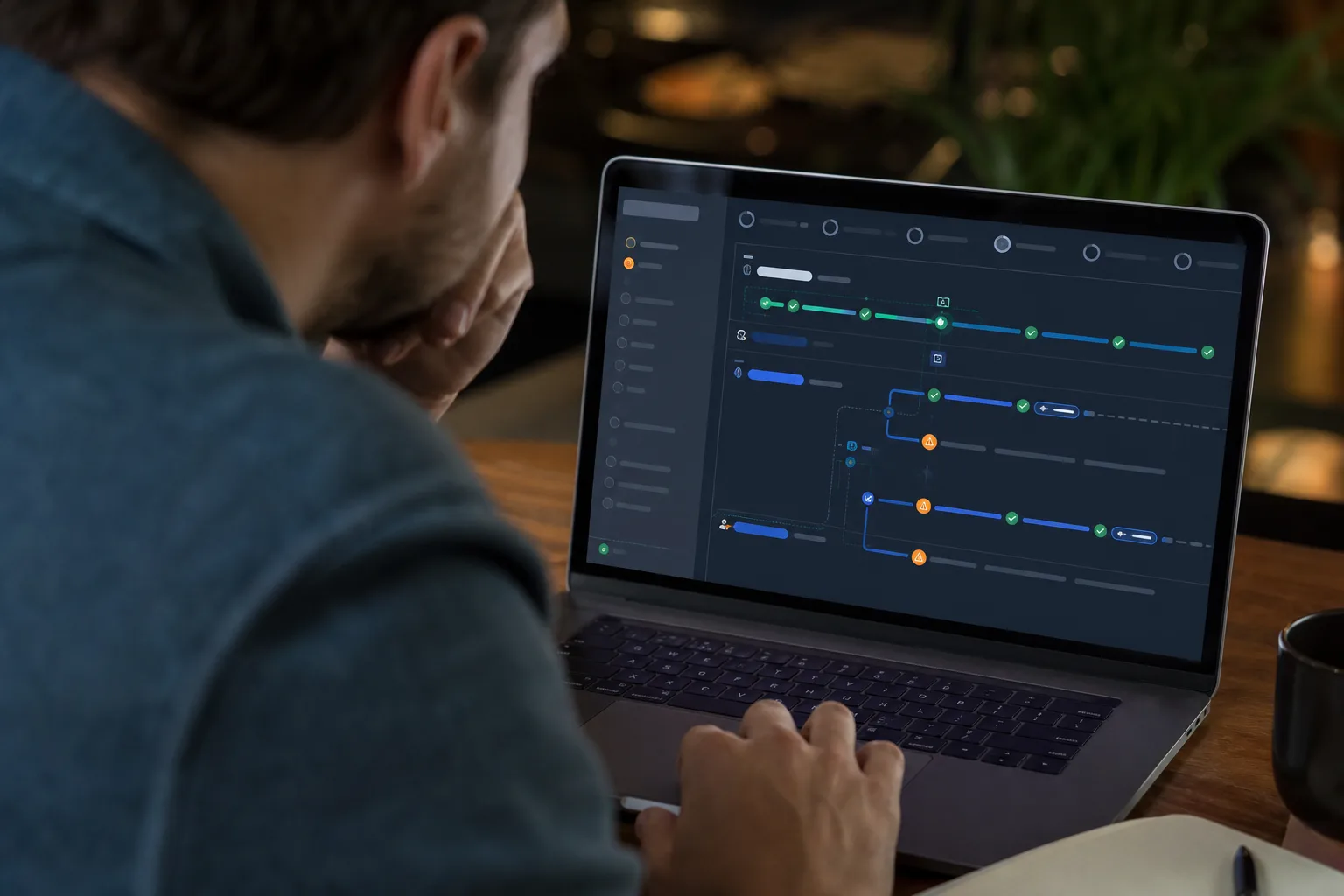
A practical pattern: an AI document intake workflow
Consider an internal document-intake feature. A user uploads a contract and asks the application to identify renewal terms and create a review task.
A robust orchestration design could look like this:
- The API authenticates the user, stores the file metadata, and creates an intake record.
- The application dispatches a background job with the intake record ID, not the raw request or file bytes.
- A worker extracts text and records a normalized document revision.
- A model step receives the allowed text slice and a constrained extraction schema.
- Validation checks that the output contains the required fields and flags low-confidence or contradictory results.
- A human review step is created when the confidence policy requires it.
- After approval, a tool creates or updates the review task with an idempotency key.
- The workflow records the outcome, links its logs to the intake record, and exposes a permission-scoped status to the user.
The model is valuable in steps four and five. It is not the owner of the upload authorization, file lifecycle, review policy, task mutation, or recovery logic.
This pattern also clarifies where failure handling belongs. A temporary model outage can defer or retry the extraction step. A malformed document can be a terminal business outcome. A task-creation timeout may require a provider lookup by idempotency key before another mutation attempt.
How to evaluate an AI workflow orchestration framework
Use this checklist when assessing a framework or platform.
Can it make execution durable?
Look for persisted run and step state, worker recovery, and an execution history that survives process restarts. Durable execution matters when a workflow lasts longer than a request or interacts with services that can fail independently.
Temporal is a strong fit when you need a dedicated durable execution platform with replay-based workflow recovery, long-lived workflows, and broad SDK support. Its workflow execution model persists execution history and resumes after failures. LangGraph is a useful choice when your primary need is agent graph state and checkpoint-based persistence around LangChain-style applications.
Can it coordinate real application tools safely?
Evaluate how the framework connects to your authentication, authorization, database, storage, and API boundaries. A workflow should call application-owned operations with validated arguments, rather than grant an LLM ambient access to broad infrastructure.
Does it support the failure semantics you need?
Check named queues, worker lifecycle controls, retry limits, backoff, deferral, failed-job inspection, and replay. Then ask the harder question: how will your application prevent duplicate payments, messages, and other remote mutations?
Can operators inspect and recover a run?
Look for run status, step status, logs or events, correlation metadata, failure retention, and deliberate replay options. A replay feature should make the definition and side-effect policy explicit, not silently repeat an old run against changed code.
Does its execution model match the workflow shape?
Some systems optimize for flexible agent graphs. Others focus on general-purpose durable workflows. Some provide queue-first building blocks inside a web application runtime. Pick the smallest platform that gives you the reliability and observability your workflow requires.
At db3.ai, we recommend starting with one durable job when it gives you the correct retry boundary. Move to Flows when you need explicit durable run and step state, structured progress, and replay. The current db3.ai Flows guide focuses on small sequential graphs and nested flows, rather than claiming to be an unrestricted arbitrary graph engine.
Common AI workflow orchestration mistakes
Treating model output as an executable plan
Model output can guide the next action, but it should not bypass authorization, input validation, spending limits, or tool scopes. Translate model intent into a constrained application action.
Putting all workflow logic in one API request
Long-running work becomes fragile when it depends on an open client connection or one server process. Return an accepted result when appropriate, then let durable workers complete the workflow.
Retrying every error the same way
A rate limit, an invalid document, a denied permission, and a duplicate remote request are different conditions. Classify them before deciding to retry, defer, fail, or ask for review.
Confusing a queue with a workflow model
A queue persists and delivers work. It does not automatically supply a business-level run record, approval state, or multi-step audit trail. Add a flow or application model when those concepts matter.
Saving too much sensitive context
Workflow history can become a shadow data store. Store stable references and safe diagnostics where possible. Apply tenant authorization and redaction before exposing history to users or support staff.
When to use db3.ai for AI workflow orchestration
db3.ai is a practical fit when we are building a TypeScript application that needs AI work to live alongside APIs, data models, storage, authentication, scheduling, and background workers.
Use Queue for model requests, file processing, delivery, imports, and other work that must survive the request that created it. Use Flows when you need a durable record of the overall run, individual step state, progress events, and explicit replay behavior. For an application-level example of moving work out of the request boundary, see our background work guide.
The framework is not a substitute for provider-specific safety controls. We still design idempotency for remote effects, authorize every user-visible action, version workflow contracts deliberately, and supervise production workers.
FAQ
What is AI workflow orchestration?
AI workflow orchestration coordinates models, agents, tools, data, queues, approvals, retries, and observability into a reliable application process. It provides the execution controls around AI reasoning.
Is an AI agent the same as a workflow?
No. An agent can decide or propose the next action. A workflow defines the durable system that validates actions, coordinates tools, handles retries, records state, and governs recovery.
Do AI workflows need a queue?
Not every workflow does. Use a queue when work must continue after the request ends, may require retries, or should run in a separate worker. Short, low-risk read operations may remain synchronous.
How do we make AI tool calls safe to retry?
Use stable business identifiers and provider idempotency keys for external mutations. Before retrying after an ambiguous failure, check whether the remote action already completed.
What should we observe in production?
Track run IDs, workflow and step status, queued-job attempts, model and tool latency, failure categories, approvals, replay relationships, and business outcomes. Keep sensitive inputs and tool results protected.
Build the reliability layer around your AI features
The useful question is not whether an LLM can call another service. It is whether the complete application can continue safely when that call is slow, denied, duplicated, interrupted, or awaiting human judgment.
We built db3.ai to give TypeScript teams integrated building blocks for that reliability layer. Start with the Queue documentation for durable work, then use Flows when your AI feature needs observable multi-step execution and deliberate replay.