9 October 2026
File Storage in TypeScript: 4 Options Compared for SaaS Uploads

TL;DR
For a TypeScript SaaS application, I would use Node.js filesystem APIs only when I control a persistent volume and the processes that access it. Amazon S3 is a direct object-storage choice for durable, independently accessible files. Flystorage adds a TypeScript adapter layer over a provider; db3.ai adds application-level Storage and optional Media records alongside other app services. None of these choices decides which customer may read a file. Authenticate, check ownership, and choose a private delivery path before exposing bytes.
A customer uploads a contract, an API stores it, and a background worker extracts a summary. The upload succeeds, but can that customer still retrieve the original next week? Can another customer guess its ID? Will the file remain available after the API container is replaced? These are file storage TypeScript decisions, not just questions about which write method has the shortest signature.
This comparison is for SaaS founders and engineers building uploads, customer documents, generated reports, and AI artifacts. I selected four documented products or implementation surfaces representing different boundaries: a Node.js filesystem, a managed object store, a provider-neutral TypeScript library, and an integrated application runtime. They are not interchangeable hosting services. I assess each on the same five criteria: upload path, private delivery, persistence and scale, developer experience, and operating or billing responsibility. I leave exact prices out because region, workload, infrastructure, and distribution terms change the answer.
Table of contents
- Compare the storage boundary before choosing a tool
- 1. Node.js filesystem (node:fs): local control with a volume you own
- 2. Amazon Simple Storage Service (Amazon S3): direct object storage
- 3. Flystorage: a TypeScript adapter over the storage provider
- 4. db3.ai Storage and Media: files inside a TypeScript application runtime
- Choose by the file's lifecycle, not the shortest API
- Frequently asked questions
- Sources
- Recommended Reads
Compare the storage boundary before choosing a tool
| Option | Best starting point | Upload and delivery boundary | Main responsibility you retain |
|---|---|---|---|
Node.js node:fs |
One controlled server or persistent mounted volume | Your HTTP server receives and serves bytes | Volume durability, shared access, authorization, backups |
| Amazon S3 | Independent API and worker processes writing objects | SDK or authorized direct-to-bucket uploads | Bucket policy, object lifecycle, file ownership, private download |
| Flystorage | One TypeScript file API across storage adapters | Library delegates reads and writes to an adapter | Underlying storage, adapter behavior, application permissions |
| db3.ai Storage and Media | Files alongside application Auth, data, and jobs | Named local or S3-compatible disk; optional managed file records | Deployment, provider tests, migrations, access checks |
The diagram below separates three steps often conflated in an upload demo: accepting bytes, persisting them somewhere suitable, and delivering them only to an authorized reader.

A storage path is not a customer-facing file ID. For a multi-user app, I would save an application record containing a generated identifier, trusted owner or workspace, disk or bucket location, MIME policy, processing state, and retention decision. The db3.ai Media guide makes the distinction explicit: Storage holds bytes, while Media holds scoped file records, and the application must still enforce permission checks.
1. Node.js filesystem (node:fs): local control with a volume you own
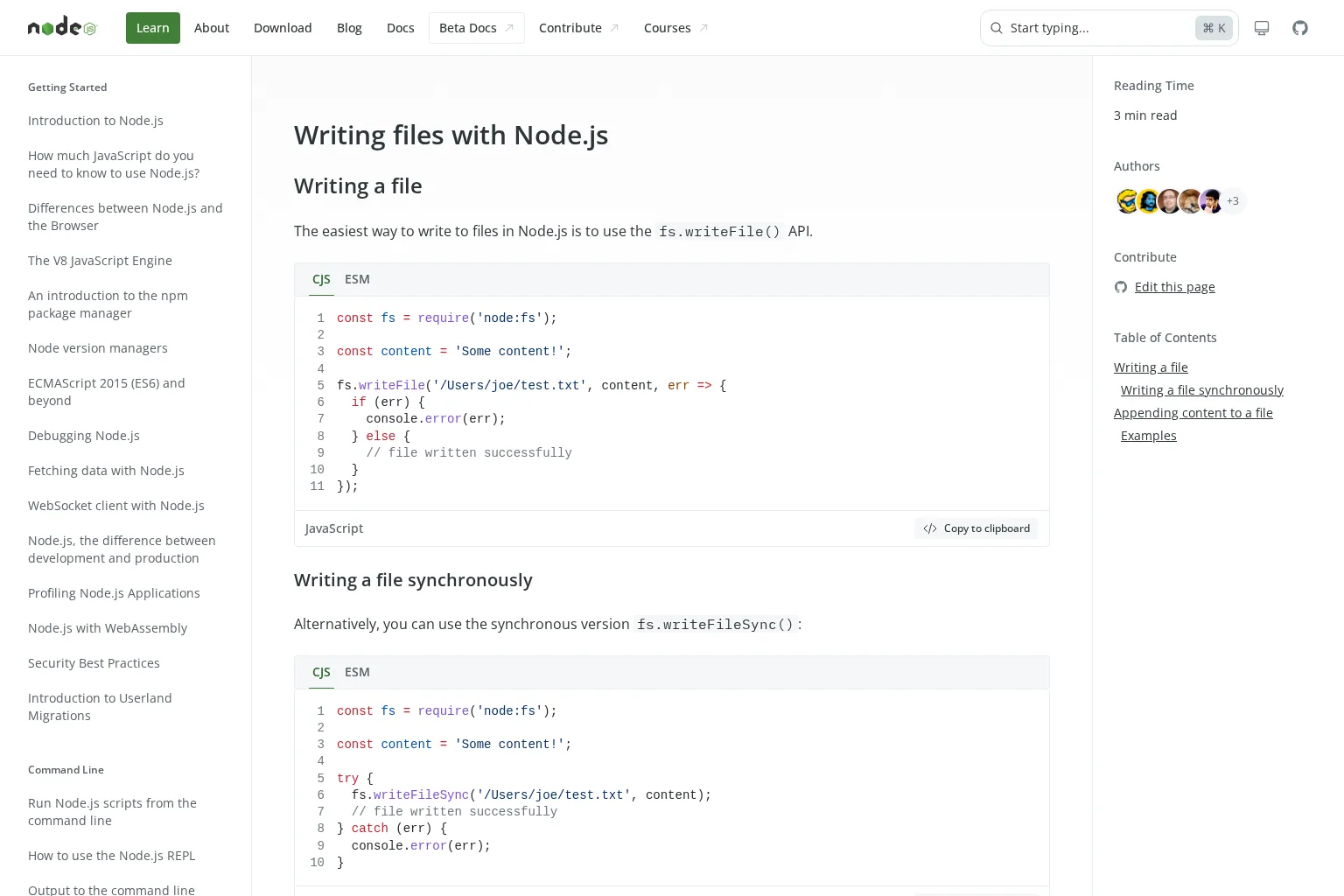
Best fit: A small server-side application, a development environment, or a job writing temporary outputs, provided I can clearly say which filesystem survives a restart. Node.js provides asynchronous filesystem operations through node:fs/promises, plus stream APIs for reads and writes. Its filesystem documentation also cautions that simultaneous promise-based modifications are not synchronized. It is a programming interface to a filesystem, not a managed file service.
Upload and private delivery: Route incoming data through a bounded HTTP handler, validate type and size, generate a trusted relative destination, then stream or write to a protected directory. For downloads, check the signed-in user's ownership record before opening a read stream. Do not turn a browser-supplied filename into a path or make the entire directory web-accessible. A simple writeFile also replaces an existing file by default, so naming and concurrent-write rules need deliberate design. Node.js's writing-files guide documents that default.
Persistence, developer experience, and cost: Local paths are easy to inspect and mock, and there is no separate storage SDK to learn. But a container's ordinary filesystem is not automatically a persistent volume, and two replicas do not automatically share the same files. Provide a durable mount if persistence is promised; decide how backups, restores, disk capacity, process permissions, and multi-instance access will work. The application still needs its own metadata store if files belong to users or projects. Your cost is the provisioned compute or volume, transfer and backup, plus the work of operating them, not a universal price for node:fs. Choose this when one well-understood filesystem meets the actual failure and access model. The db3.ai Storage guide likewise warns against treating a container-local default disk as durable.
2. Amazon Simple Storage Service (Amazon S3): direct object storage
Best fit: An AWS-based product whose API servers and workers need to reach the same uploads or generated outputs without mounting the same filesystem. S3 stores objects under keys in buckets. Bucket-level access controls, object versioning and lifecycle rules are configurable, not substitutes for your own tenant-to-file records. AWS documents its object, key, and permission model.
Upload path: I can send bytes through an application server for tight request control, or let a client upload using an application-issued presigned URL after an authenticated request. Presigning limits what a URL holder can do according to the signing identity and URL parameters; it does not prove that the eventual upload belongs to the intended tenant. In particular, AWS notes that uploading to an existing key with a presigned PUT replaces that object. Generate unpredictable, non-colliding keys, constrain the allowed operation, and verify the uploaded object before marking a business record ready. For large payloads, evaluate a multipart or resumable flow and the cleanup of abandoned uploads rather than assuming that one PUT is enough. See AWS's presigned-upload guidance.
Private delivery and operations: Keep the bucket private unless publication is intentional. Your app still authorizes the current user against a file record before streaming a private object or issuing a narrowly scoped, short-lived download mechanism. Select location, storage class, retention, recovery, and any delivery layer according to the workload; test failures and restore rather than equating versioning with a complete backup plan. AWS charges according to usage and configuration, so estimate stored bytes, requests, retrieval, and transfer from real traffic before comparing totals. Choose S3 when you want to manage the provider boundary directly and already have AWS identity, monitoring, and provisioning practices. A provider SDK does not supply your SaaS ownership model.
3. Flystorage: a TypeScript adapter over the storage provider
Best fit: An existing Node.js app that wants one file API while it evaluates local storage, S3, Google Cloud Storage, or Azure Blob adapters. Flystorage documents a TypeScript-oriented FileStorage interface with write, read, list, and delete operations; its adapter overview names available provider integrations and an in-memory adapter for tests. Its S3 adapter guide lists the separate adapter and AWS SDK dependencies.
Upload and private delivery: A storage adapter starts after your application has decided whether to accept a request and which file path to use. Flystorage's API reference documents stream inputs, lazy directory listings, public URLs, and temporary URLs. It warns that some adapters do not support URL creation without an injected strategy. I would check the chosen adapter's actual behavior for write limits, errors, visibility, and expiring links, then perform the tenant permission check before returning any link. A temporary URL grants access to its holder while valid; it is not itself a per-user authorization system.
Persistence, developer experience, and cost: The library can keep ordinary read/write code less coupled to one provider and supports a fast in-memory test adapter. That is useful for unit tests, but a memory-adapter pass proves neither remote credentials nor an actual bucket's behavior. You still provision and pay for the selected storage and run integration checks for uploads, deletion, listing, and delivery. An abstraction can hide a provider's special capabilities, so use its adapter documentation rather than assuming every backend supports identical signed URLs or consistency behavior. Choose Flystorage when you already have an app framework and need the file-provider boundary, not an additional application data or auth system.
4. db3.ai Storage and Media: files inside a TypeScript application runtime
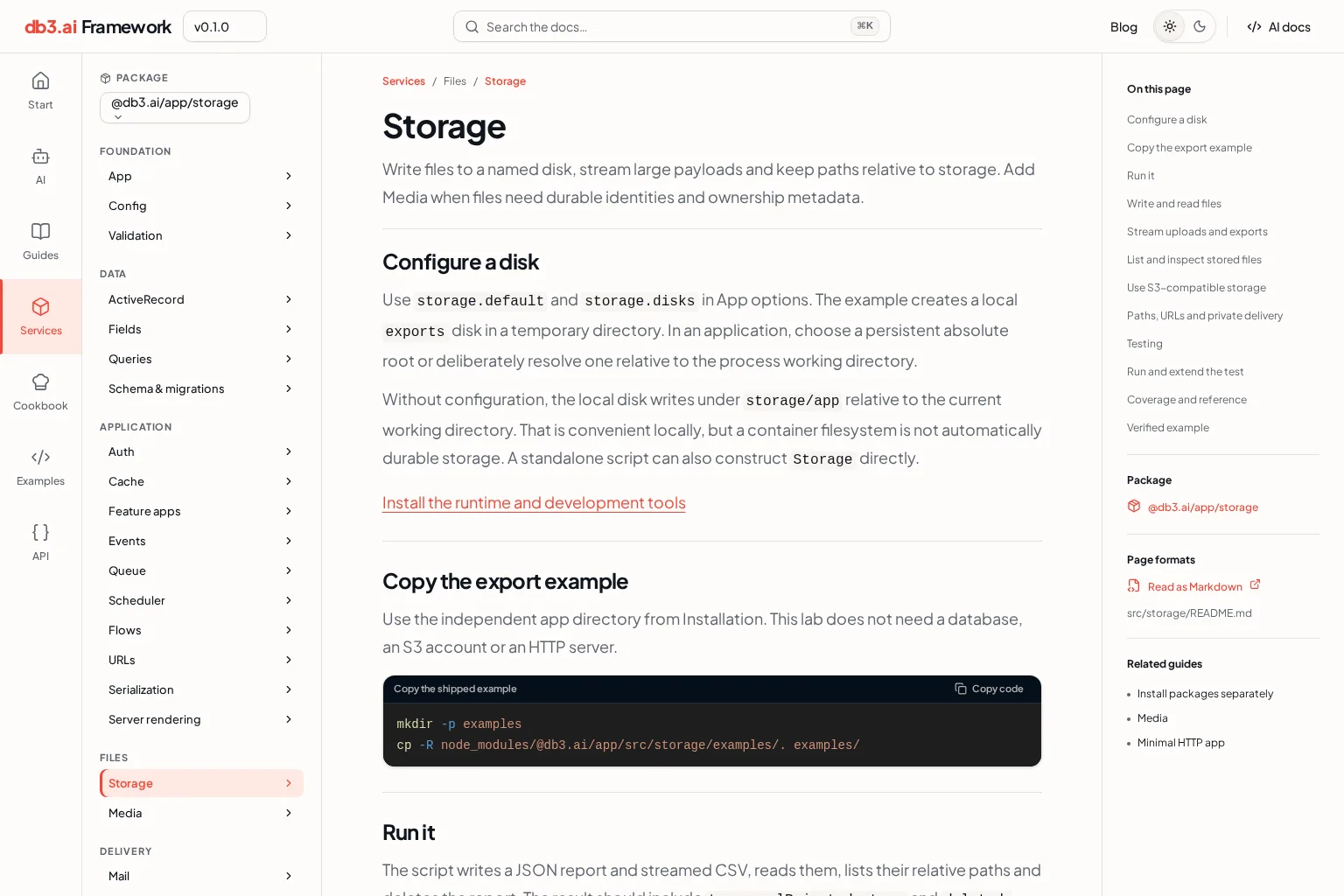
Best fit: A team already building with @db3.ai/app that wants named disks in the same application where it manages users, records, and jobs. The Storage guide documents local and S3-compatible disk configuration, relative paths, streamed writes and reads, and public URL construction. It does not claim that the framework hosts the bucket, durably provisions a local volume, or signs private download links. The Storage API reference lists the supported disk interfaces and S3 configuration.
Upload and private delivery: Storage handles bytes. When a stable file identity, project ownership, or a browser folder matters, the Media guide documents libraries, managed file records, and streamed storage. A library scope does not check permissions by itself. The private-file walkthrough authenticates a user, queries a file by both ID and authorized library, and only then streams a private download. Its example intentionally accepts small text bodies; it is not a ready-made large-file, multipart, scanning, or browser-upload service.
Here is a disposable local-disk example for a trusted, small report. First obtain matching preview App and Pure tarballs and use Node.js 24 and tsx as described in the installation guide. The documentation currently says the packages are not yet published to npm, so do not assume an ordinary npm install @db3.ai/app succeeds. Save this as report.ts in that installed application and run npx tsx report.ts:
import { mkdtemp, rm } from 'node:fs/promises';
import { tmpdir } from 'node:os';
import { join } from 'node:path';
import { App } from '@db3.ai/app/server';

const root = await mkdtemp(join(tmpdir(), 'db3-report-'));
try {
  const application = new App({
    storage: { default: 'reports', disks: { reports: { driver: 'local', root } } },
  });
  try {
    const disk = application.storage.disk('reports');
    const path = 'generated/sample-report.json';
    await disk.put(path, JSON.stringify({ state: 'ready' }), {
      mimeType: 'application/json',
    });
    console.log(await disk.readToString(path));
  } finally {
    await application.close();
  }
} finally {
  await rm(root, { recursive: true, force: true });
}
This follows the documented local-disk App, disk(), put(), and readToString() behavior; I have not executed this excerpt in your environment. It deletes its temporary output on exit. For a real report, supply a protected persistent root or a configured remote disk, a server-generated report identity, an authorized metadata lookup, and a delivery route. Restrict concurrent writes or publish versioned results so two workers cannot silently overwrite the same destination. Validate and bound actual uploads in the HTTP adapter, and test failed writes and storage/SQL reconciliation. A successful local test is not a test of a chosen S3-compatible provider. Storage's remote and stream guidance distinguishes these boundaries.
Operations and cost: @db3.ai/app is an application package, not a bundled hosted storage subscription. Provision the disk or bucket, database for Media, backup and monitoring, and any worker processes yourself. I cannot quote a package price from the available product catalogue; verify distribution terms and the provider's charges for your deployment. Choose it when integrated file metadata and other application services justify its framework boundary, not just to replace one SDK call.
Choose by the file's lifecycle, not the shortest API
For a small internal prototype, node:fs on an intentionally disposable path is sufficient if losing files is acceptable. For promised customer files on an AWS-based service, I would trial S3 first and measure transfer and request behavior. If my TypeScript app already has its own auth and data model but storage providers may change, I would evaluate Flystorage. If the app already uses db3.ai services, I would evaluate Storage plus Media and still choose a real persistent backend. These are starting points, not claims that one option automatically wins a performance or cost test.
A useful acceptance test follows one file through its full lifecycle:
- Authorize the uploader, enforce size and content policy, and assign a generated path or key. Decide whether the API streams bytes or authorizes a direct upload.
- Confirm stored bytes and record the owner, disk, size, type, and processing state. Handle the case where bytes exist but the database write or job dispatch fails.
- Try an owner download and a foreign-user download. A file ID alone must not grant access; test response headers and whether a shared URL expires when expected. The db3.ai private-file guide provides a bounded owner-versus-stranger exercise.
- Stop and replace the API process; check that a worker and a new API instance can read the same file. Test a failed stream, retry, deletion, and restore procedure, not only a happy-path upload.
- Estimate ongoing storage, request, processing, retrieval, delivery, and operational costs at your expected workload. Ask which team owns provider permissions, monitoring, and cleanup.
For large video or image libraries, add geographic delivery and transformation requirements before narrowing the shortlist. For AI-generated artifacts, decide whether results are reproducible and whether failed or repeated jobs can publish an older version over a newer one. In both cases, a storage interface is just one layer of a product-level file lifecycle.
Frequently asked questions
Is an S3-compatible disk the same as a hosted S3 service?
No. An adapter exposes operations against a configured provider; the provider still owns the physical storage service, and your team still configures credentials, permissions, durability, and access policy. db3.ai documents an S3-compatible driver but explicitly recommends a provider-specific smoke test rather than treating its local example as remote integration proof. See its Storage guide.
Should I expose a public URL for a private file?
Not by default. Authenticate the viewer, check a trusted ownership record, and then stream the permitted file or issue a deliberately scoped expiring link if the selected provider supports one. db3.ai's url() constructs a public URL rather than granting private access, while Flystorage notes that temporary-URL support depends on the adapter. See db3.ai's delivery guidance and the Flystorage URL API.
Next step: Choose one representative file, including a rejected foreign-user read and a process-restart check. If you use db3.ai, begin with the Storage example and authenticated private-file guide, then test your intended provider and persistence setup before accepting production uploads.
Sources
- Node.js: File system documentation
- Node.js: Writing files
- AWS: What is Amazon S3?
- AWS: Uploading objects with presigned URLs
- Flystorage: Overview
- Flystorage: FileStorage API
- Flystorage: Amazon S3 adapter
- db3.ai: Storage
- db3.ai: Storage API reference
- db3.ai: Media
- db3.ai: Upload and download private files
- db3.ai: Installation
Recommended Reads
- Managed Application Storage: 5 Services Compared for SaaS Files for a provider-level comparison of S3, Blob, Cloud Storage, R2, and shared filesystem storage.
- TypeScript Job Queue: How to Choose for Retries, Concurrency, and Recovery for handling the worker that processes uploaded or generated artifacts.