8 October 2026
Managed Application Storage: 5 Services Compared for SaaS Files

TL;DR
For uploads, reports, and AI-generated files, compare managed object stores first: Amazon S3, Azure Blob Storage, Google Cloud Storage, and Cloudflare R2. Choose Amazon EFS when several AWS processes genuinely need a shared mounted file system. None of these services decides which of your users may download a file; keep authorization and ownership in your application. A framework such as db3.ai can simplify how application code addresses disks, but it does not replace durable infrastructure or your access policy.
A SaaS customer uploads a private brief. An API accepts it, a worker generates a report, and the customer downloads the result a week later. Where should the bytes live? What records ownership? What happens when the API container restarts, or when a second customer guesses the file ID?
Managed application storage here means a provider operates the underlying file or object storage while your application handles its own users, metadata, and workflows. It does not mean managed application hosting. It is also distinct from Azure Managed Applications, a way to package and manage Azure solutions deployed into customer subscriptions.
This comparison is for SaaS founders and engineers choosing storage for customer uploads, generated assets, and application exports. It is not a database comparison: keep queryable business records in a database and use storage for the file bytes when that separation fits your workload. I selected five documented services that cover four object-store choices and one genuinely different, mounted-file choice. For each I assess access pattern, security boundary, scaling and recovery, integration work, and billing approach. Price figures and availability guarantees vary with configuration, so the practical comparison is what you must provision, verify, and pay for, not an invented universal monthly bill.
Table of contents
- Compare the access model before the brand
- 1. Amazon Simple Storage Service (Amazon S3)
- 2. Azure Blob Storage
- 3. Google Cloud Storage
- 4. Cloudflare R2
- 5. Amazon Elastic File System (Amazon EFS)
- Put application ownership above the storage provider
- Where db3.ai fits, with a small storage example
- Frequently asked questions
- Sources
- Recommended Reads
Compare the access model before the brand
| Service | Storage interface | Best starting point | Main application responsibility |
|---|---|---|---|
| Amazon S3 | Bucket and object keys | AWS-based uploads and generated assets | IAM, private delivery, metadata, retention choices |
| Azure Blob Storage | Account, containers, and blobs | Azure-based app files with access-tier planning | Identity, client permissions, tier and redundancy choices |
| Google Cloud Storage | Buckets and objects | Google Cloud workloads and location-aware object storage | IAM, bucket location, lifecycle and application access |
| Cloudflare R2 | Object store with S3-compatible API | Frequently served files where egress charges matter | Token scope, delivery policy, API compatibility testing |
| Amazon EFS | Shared NFS file system | AWS processes requiring mounted paths or file locking | Mount and network policy, POSIX permissions, backups |
These are starting positions, not claims that all five have identical semantics or costs. For example, a mounted file system and an object API can both persist bytes, but they demand different application code and different tests. The providers' S3 overview, Blob overview, Cloud Storage documentation, R2 overview, and EFS guide describe those interfaces.
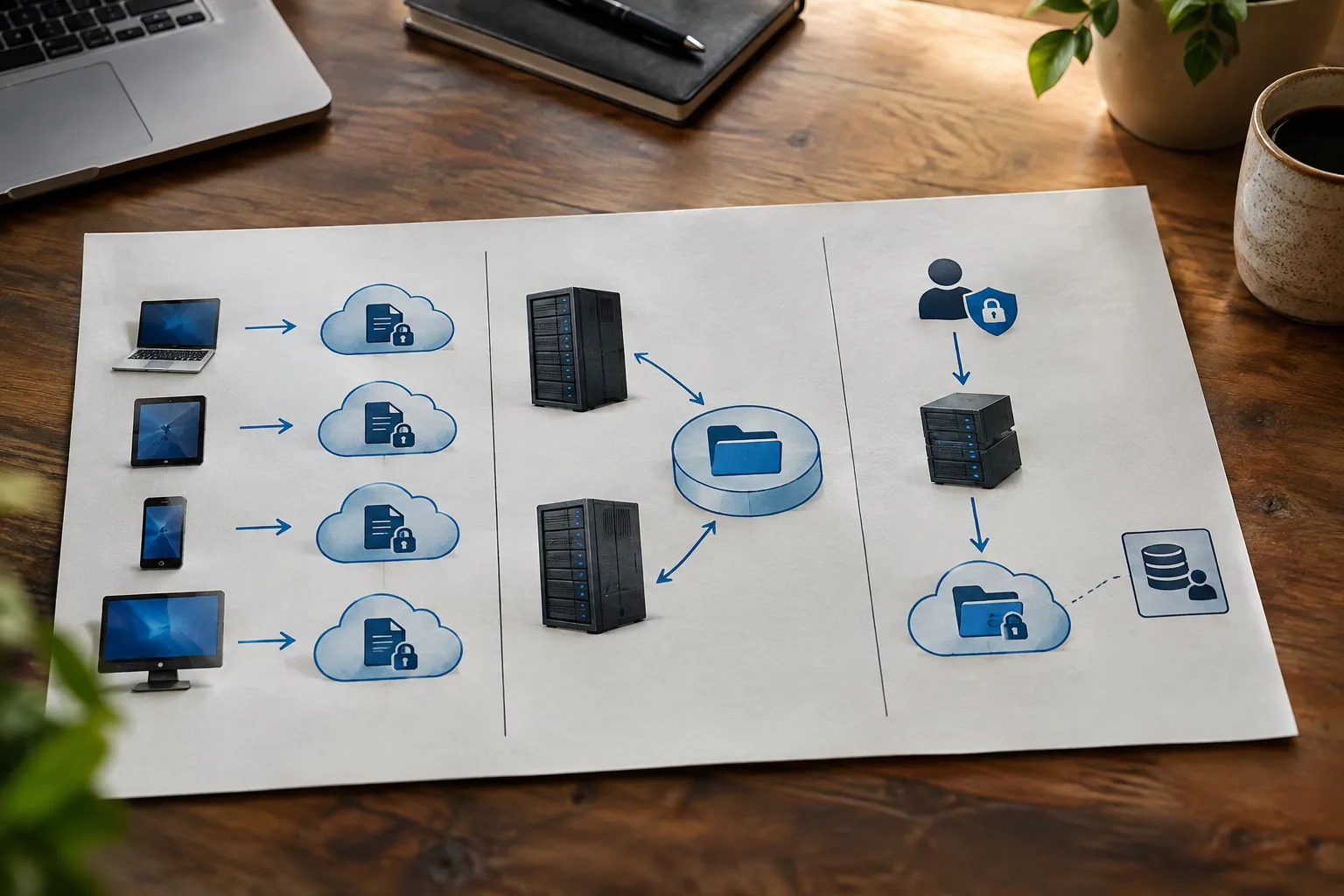
1. Amazon Simple Storage Service (Amazon S3)
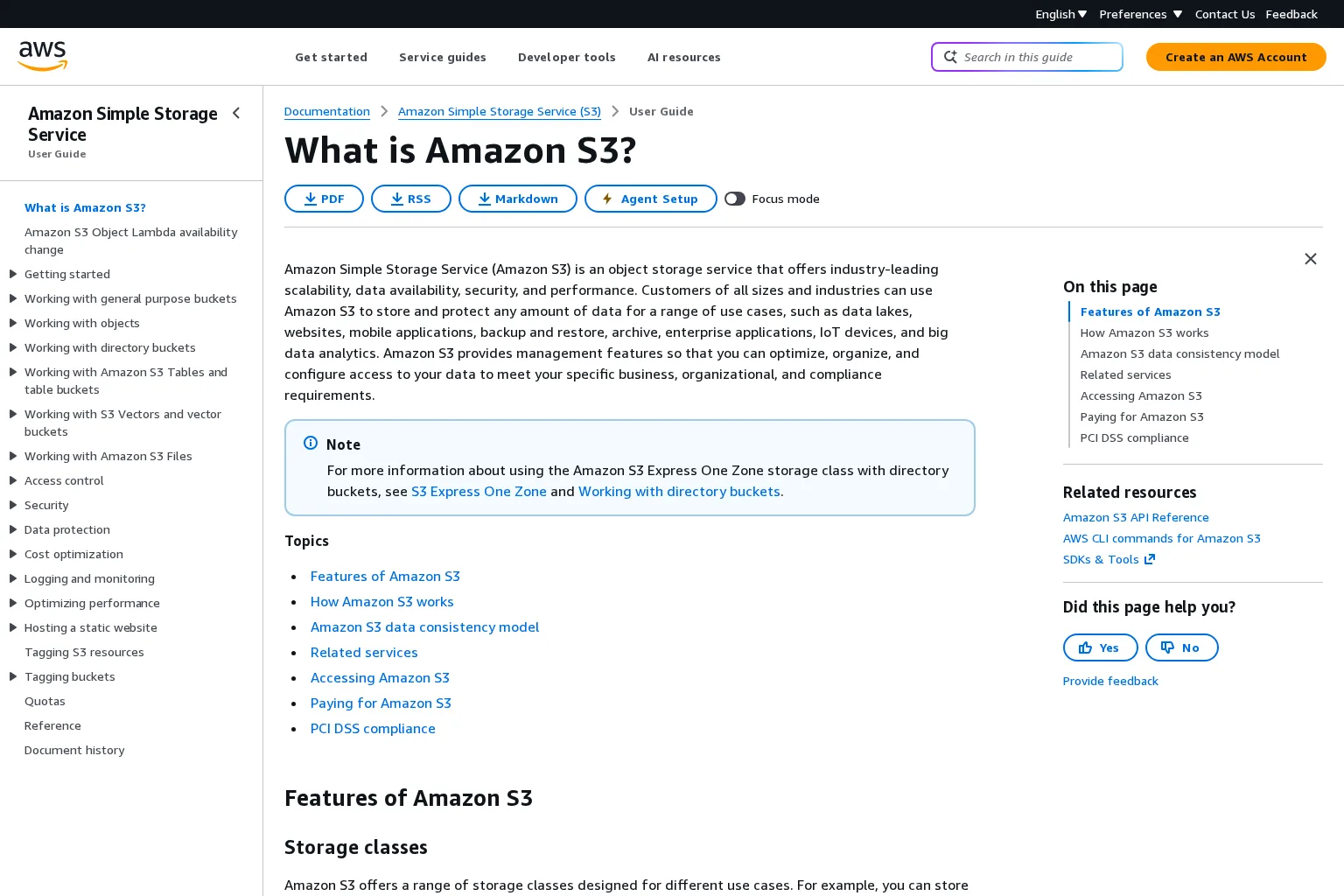
Best fit: An AWS-centered application that writes independently addressable uploads, reports, or model artifacts and wants explicit bucket access controls. Amazon S3 stores objects under keys in buckets; its documentation describes private-by-default buckets, IAM and bucket policies, optional versioning, lifecycle configuration, and multiple storage classes. Your app still needs a database record mapping a stable customer-visible file ID to its object key and authorized owner. A bucket policy cannot infer your application's workspace membership. AWS's S3 guide explains the storage and permission model.
Scaling and recovery: The object model makes it natural for separate API and worker processes to address the same key. Decide whether versioning, cross-region replication, retention controls, and a separately tested restore plan are necessary. Do not call an enabled storage class a backup strategy. Integration effort: Provision a bucket and credentials or workload identity, define upload/download paths, and test large uploads, failed writes, private delivery, and deletion under real permissions. An application library may wrap file operations but not these policy decisions.
Cost and limitation: S3 pricing depends on storage class, capacity, requests, retrievals, and data transfer. Model your actual read/write mix, especially for archived data. Choose S3 when its AWS integration and policy surface justify the setup; do not choose it on a single storage-per-GB quote.
2. Azure Blob Storage
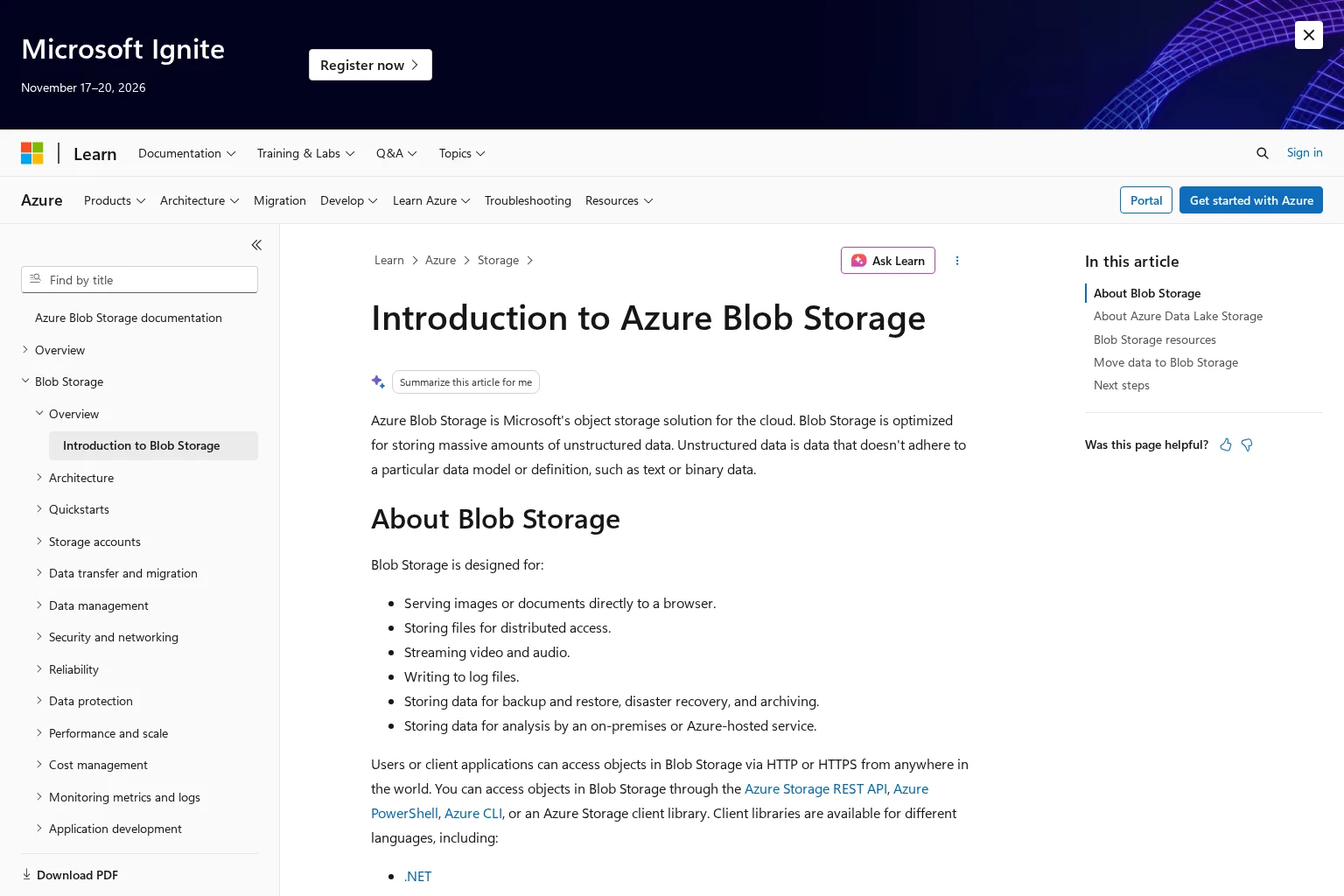
Best fit: An Azure-based product that stores documents, media, and exports as blobs rather than requiring an ordinary mounted directory. Azure organizes blobs in containers inside storage accounts; Microsoft documents HTTP access and client libraries. Map your tenant and file IDs in application records and separately determine who may read a blob. Microsoft's Blob introduction defines this model.
Scaling and recovery: Choose the account's redundancy and access tier for the actual recovery objective. Hot, cool, cold, and archive tiers have different retrieval behavior; archive is not a suitable default for files customers expect to download immediately. Rule-based lifecycle transitions are available, but a transition policy does not establish an application-level deletion or backup policy. Microsoft's access-tier guide explains the differences.
Integration and billing: Plan credentials or managed identity, client-side upload limits, private download authorization, and the migration path for existing keys. Tier, transaction, retrieval, outbound transfer, and redundancy choices affect cost; moving data between tiers can add charges. Choose it when Azure is already your operational home and those storage-account controls fit your data lifecycle, not because every tier is interchangeable.
3. Google Cloud Storage
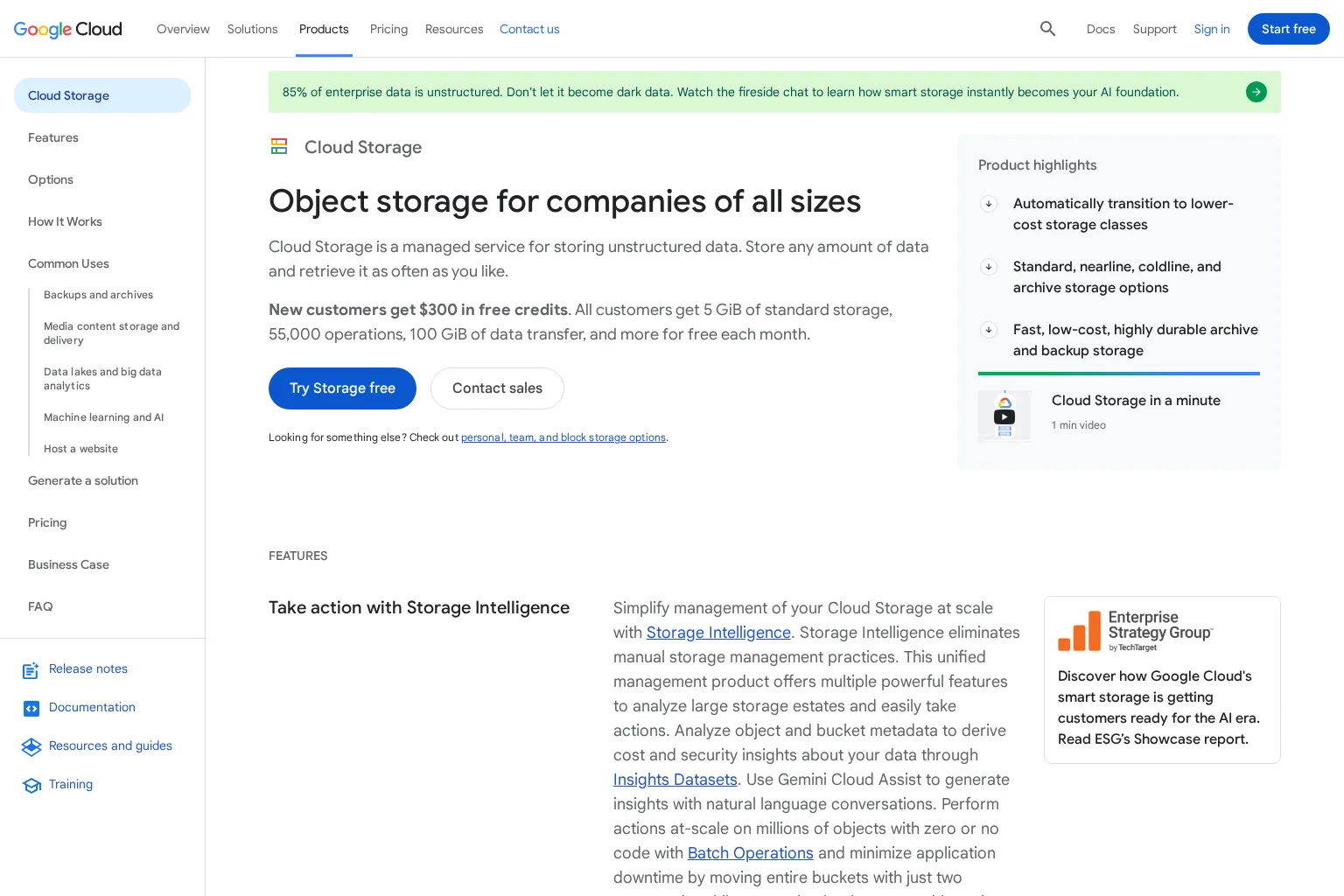
Best fit: A Google Cloud application needing buckets for uploads, generated files, or analytics inputs. Cloud Storage stores objects in buckets and exposes IAM controls. Its storage classes and bucket locations let a team choose how data is placed and billed; that does not automatically define which signed-in SaaS customer may see each object. The Cloud Storage overview and storage-class documentation describe those choices.
Scaling and recovery: Decide whether a regional, dual-region, or multi-region placement serves the business requirement, then test the chosen protection and recovery procedure. Lifecycle configuration can change object classes, while application records still need to track identity, tenant, and deletion state. An old object version is useful only if retention and a restore procedure are configured and tested for your workload.
Integration and billing: Your team must connect a supported client or API, provision service identity, and implement scoped upload and retrieval. If your framework only documents local and S3 disks, do not assume a native Google Cloud Storage driver. Google's pricing model includes stored data, operations or processing, and network usage, varying by location and class. Choose it when your compute, identity, and data-location needs align with Google Cloud, with a realistic estimate for read frequency and movement of data.
4. Cloudflare R2
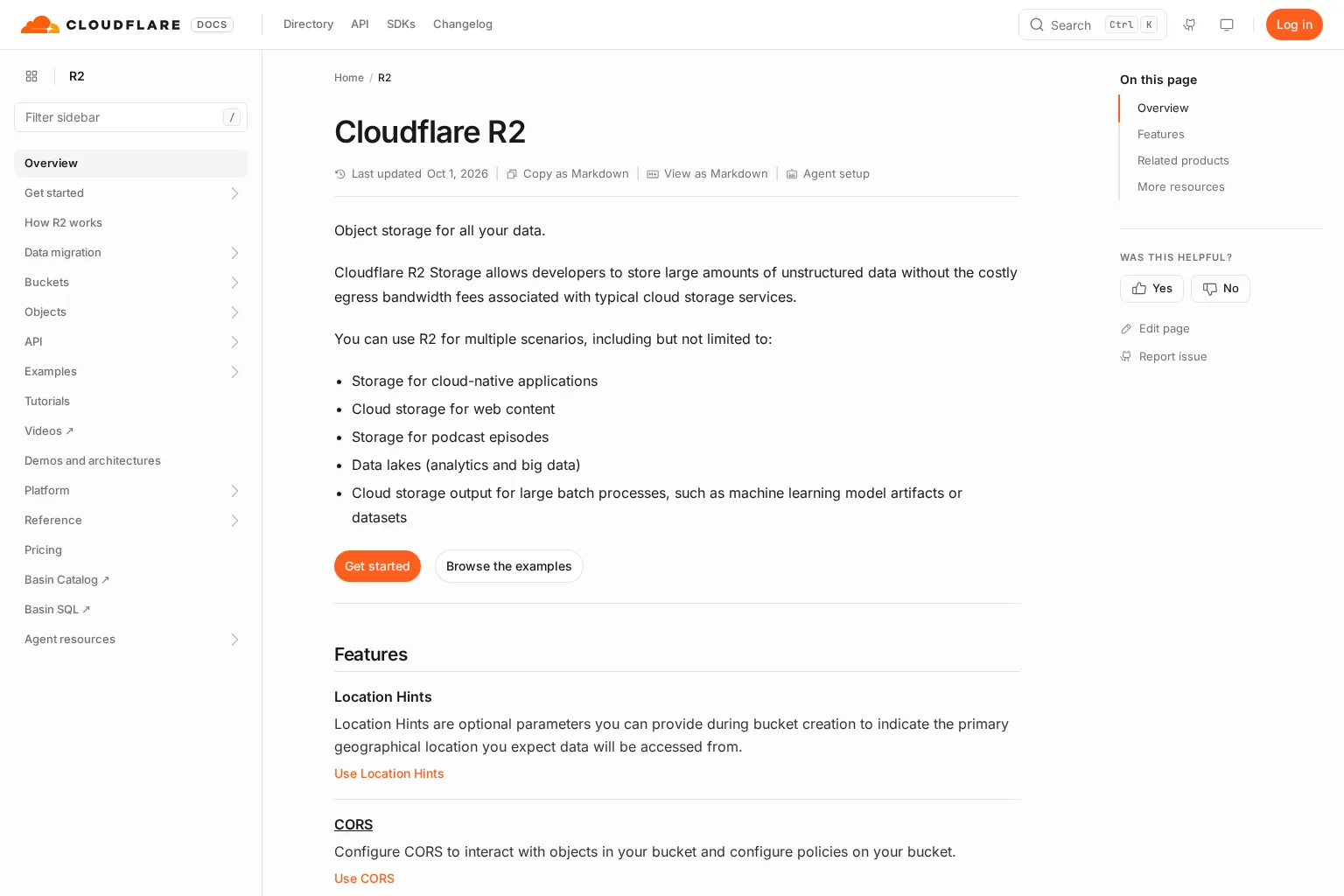
Best fit: An application serving substantial object data over the internet that wants to evaluate a different egress billing model. R2 is object storage with an S3-compatible API, and its documentation describes bucket-scoped tokens and controls for public buckets. Keep private buckets private and issue access only after your own authorization check; compatibility at the API boundary is not the same as identical support for every S3 feature. Cloudflare's R2 overview describes its use cases and controls.
Scaling and recovery: Test the operations your application actually uses, including listing, larger writes, reads, deletion, and expected retry behavior. Compare location requirements and your own retention and restore process before migrating. Integration effort: An S3-configured application may be able to use an R2 endpoint, but test credentials, endpoint configuration, permissions, and API calls in a dedicated bucket first. Do not claim a successful local-disk test verifies R2 production behavior.
Cost and limitation: Cloudflare's R2 pricing page lists stored volume and Class A/B operations, with retrieval fees on Infrequent Access; it lists no egress bandwidth charges for R2. That does not make application delivery, processing, or every surrounding service costless. Choose it when your measured traffic and supported API operations make its billing and integration trade-off attractive.
5. Amazon Elastic File System (Amazon EFS)
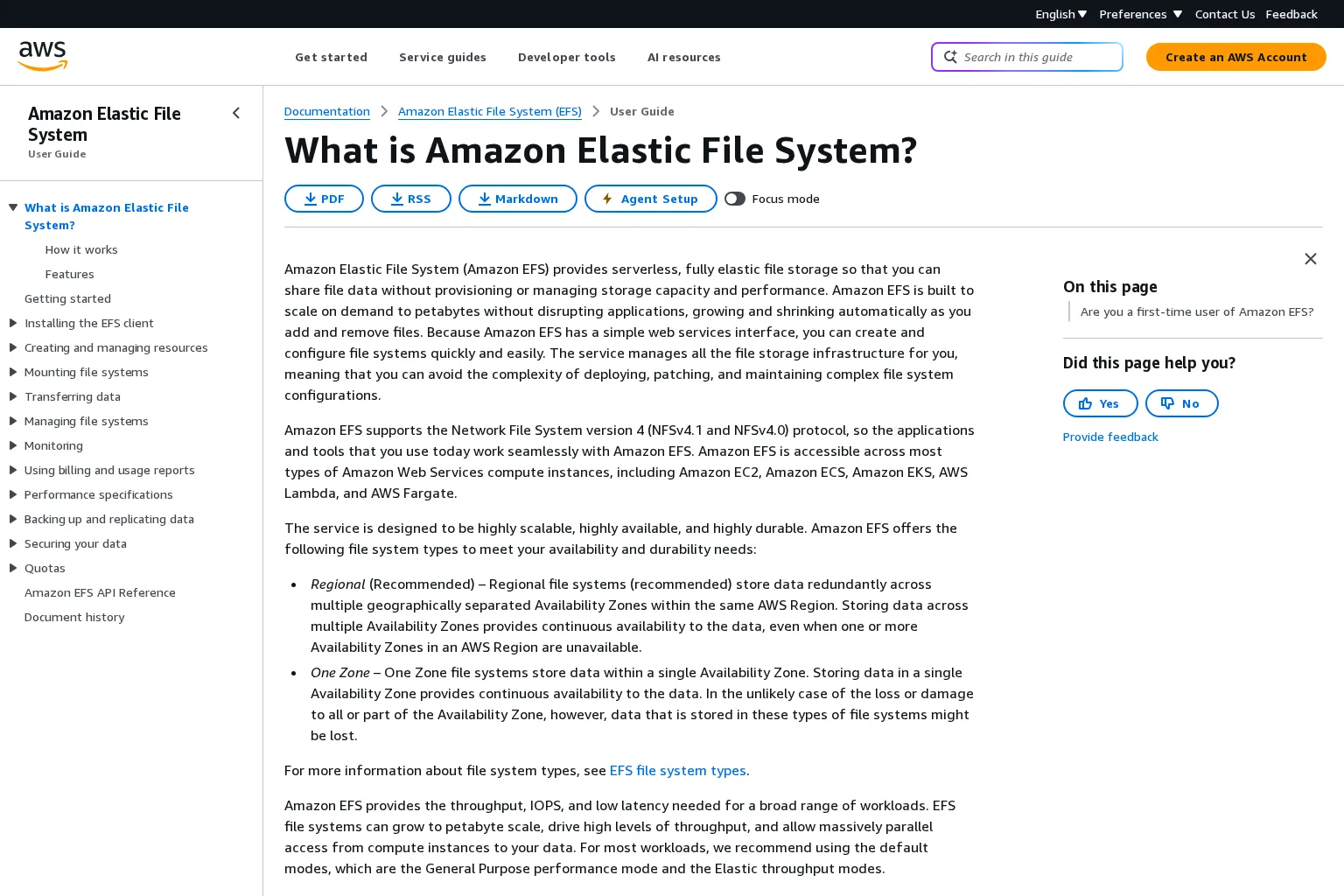
Best fit: Several AWS compute processes need the same mounted file system, familiar path operations, or file-locking semantics. EFS is an NFS service, not another bucket API. AWS documents regional and one-zone file-system types, shared access, and file locking. The one-zone option changes the failure boundary, so choose it deliberately rather than assuming every EFS setup has the same resilience. AWS's EFS guide describes these capabilities.
Security and scaling: Treat IAM, network security groups, mount configuration, and POSIX permissions as separate layers. These still do not answer which customer owns a file in your SaaS UI. EFS grows with stored files and offers throughput modes; measure the actual access pattern instead of assuming that an NFS mount will be the best fit for public download traffic. Plan backups and a restore exercise, particularly when files cannot be regenerated.
Integration and billing: Applications that require filesystem paths may need less rewriting than they would with an object API, but every process needs a correct mount and a network path to it. AWS describes storage and throughput charges in its EFS FAQ; compare the chosen class and throughput mode, not just bytes stored. Choose it when shared filesystem behavior is a requirement. If your app merely writes a finished report and serves it later, first test object storage instead.
Put application ownership above the storage provider
Whichever service you pick, I would ask five questions before launch:
- Who is the owner? Store a trusted tenant or user ID with the file record. Authenticate a request, check membership, and scope the lookup before reading bytes. A filename or file ID is not authorization.
- What is the private path? Keep provider credentials server-side. Decide whether your server streams an authorized download or deliberately issues a short-lived provider-specific access mechanism. A public URL is not a private policy.
- What survives failure? Test a process restart after upload, a failed write halfway through processing, object bytes without metadata, and metadata without bytes. SQL writes and file writes are not automatically one transaction.
- How big and how busy? Establish file-size ceilings, concurrent reads and writes, streaming and memory limits, peak throughput, quotas, and acceptable recovery time. Upload progress is not proof that scanning or indexing completed.
- What costs recur? Estimate stored bytes by class, request volume, retrieval, transfer, backup or replication, and the application work needed to operate the integration. Test the estimate against a sample workload, not a marketing minimum.
The db3.ai private-file walkthrough demonstrates owner-scoped lookup and private downloads; its upload-processing guide distinguishes completed upload from completed processing and calls out the separate storage and job handoff. Those are application responsibilities even if the file provider manages storage servers.
Where db3.ai fits, with a small storage example
The @db3.ai/app runtime supplies a Storage interface for named local disks and an S3-compatible driver. Its Storage guide documents streamed reads and writes, relative paths, and the need for a durable root if you use local storage in a container. This is application integration, not a hosted managed storage service. The Storage API reference lists the supported configuration and disk methods; the separate Media guide explains how to add file IDs and scoped libraries when bytes alone are insufficient.
Here is a compact illustration for a small generated report. Use the matching preview tarballs and Node.js 24 as described in the installation guide; provision /srv/app-reports as an appropriately protected persistent path first. Run this in a server environment, not a browser. The report ID is a trusted value chosen by application code, not an unvalidated filename from a request.
import { App } from '@db3.ai/app/server';

const application = new App({
  storage: {
    default: 'reports',
    disks: {
      reports: { driver: 'local', root: '/srv/app-reports' },
    },
  },
});

try {
  const reportId = 'report-123'; // Replace with a server-generated ID.
  const path = `generated/${reportId}.json`;
  const disk = application.storage.disk('reports');

  await disk.put(path, JSON.stringify({ state: 'ready' }), {
    mimeType: 'application/json',
  });
  console.log(await disk.readToString(path));
} finally {
  await application.close();
}
This writes and reads a small trusted JSON document; it is not an authenticated upload endpoint or a multi-process commit protocol. The application must supply its real report data, database metadata, owner check, HTTP delivery, error handling, quotas, and a policy for concurrent writers or retries. A local root that disappears with its container is not durable. To use a remote S3-compatible disk instead, follow the documented configuration and run a dedicated remote upload/read/delete smoke test; do not treat this example as evidence that a specific provider integration has been exercised. I have not executed this excerpt in your environment.
Frequently asked questions
Can I use one object store for both application files and business records?
You can store a serialized record as an object, but that does not make it a substitute for the query, transaction, and ownership model your application needs. For a SaaS file, I would keep a database record for its owner, state, and storage key, then check that record before private delivery. The db3.ai Media guide illustrates why file metadata and stored bytes are separate concerns.
Is a persistent mounted volume the same as managed object storage?
No. A volume or EFS mount offers filesystem-style access, while S3, Blob, Cloud Storage, and R2 expose object-oriented interfaces. EFS specifically documents NFS and file locking; choose that boundary when existing code or concurrent processes actually depend on it. AWS documents the EFS access model.
Next step: Pick one real file workflow and test both authorized and foreign-user access, a process restart, a failed write, and a restore. If you are building on db3.ai, begin with the Storage guide and private-file example, then verify your selected provider's actual permissions and durability in a disposable environment.
Sources
- AWS: What is Amazon S3?
- AWS: S3 pricing
- Microsoft Learn: Introduction to Azure Blob Storage
- Microsoft Learn: Access tiers for blob data
- Microsoft Learn: Azure Managed Applications overview
- Google Cloud: Cloud Storage documentation
- Google Cloud: Storage classes
- Google Cloud: Cloud Storage pricing
- Cloudflare: R2 overview
- Cloudflare: R2 S3 API
- Cloudflare: R2 pricing
- AWS: What is Amazon EFS?
- AWS: EFS FAQ
- db3.ai: Storage guide
- db3.ai: Storage API reference
- db3.ai: Media guide
- db3.ai: Private-file walkthrough
- db3.ai: Upload processing guide
- db3.ai: Installation guide
Recommended Reads
- Backend Workflow Automation: Compare Queues, Schedulers, Workflow Engines, and Integrated Runtimes for the processing and recovery path after an upload.
- 4 Application Queue Service Options Compared for Reliable Background Work for choosing a handoff to the worker that processes stored files.