16 October 2026
JavaScript Backend Frameworks Compared: 4 Production Paths for TypeScript Teams

TL;DR
A JavaScript backend framework is only the beginning of a production backend. Choose Express when you want a minimal HTTP layer and will assemble the surrounding stack; NestJS when your team needs modular architecture; AdonisJS when you prefer conventional, integrated product features; or db3.ai when application services and background work should share one TypeScript runtime. Test a real feature, including its failure path, before you commit.
A framework can make a route easy to write and still leave the difficult part of a product undecided. Who validates the request? Where do permissions live? What happens when an accepted report takes ten minutes, its worker restarts, or its database write succeeds but dispatch fails? Those questions shape both engineering effort and operating risk.
I wrote this comparison for TypeScript teams selecting a JavaScript backend framework for a new product, not for anyone looking for a universal speed ranking. The four options represent distinct ways of owning a backend: a minimal web layer, a modular application architecture, a convention-led application framework, and an integrated application runtime. This is deliberately a narrower decision exercise than our broader TypeScript backend framework comparison.
Table of contents
- What counts as a backend framework, and how I compared the four
- 1. Express: A minimal HTTP foundation you compose yourself
- 2. NestJS: Explicit modules for a growing Node.js team
- 3. AdonisJS: Conventions and product features in one framework
- 4. db3.ai: An application runtime for product services and jobs
- Use a weighted production trial, not a framework popularity contest
- Frequently asked questions
- Next step
- Sources
- Recommended Reads
What counts as a backend framework, and how I compared the four
Node.js is a JavaScript runtime, not a backend framework. A web framework supplies request routing and middleware; an application framework also establishes conventions for building product features. A managed backend platform may operate services for you. Do not assume that adopting a framework also buys hosted databases, worker supervision, or deployment.
For every option below, I ask the same five questions:
- API boundary: How do HTTP routes validate input, represent errors, support tests, and connect to GraphQL or RPC if the product needs them?
- TypeScript boundary: Where do types remain useful across routes, data, workers, and frontend contracts? A typed handler does not by itself validate an untrusted payload at runtime.
- Product services: Which data, identity, file storage, caching, delivery, and AI needs are supplied, supported through official integrations, or entirely your choice?
- Background boundary: Where do jobs persist, who runs workers and schedules, and how are retries, duplicate effects, and failures inspected?
- Deployment and cost ownership: What processes, databases, secrets, providers, and operational procedures will your team have to maintain? The infrastructure bill and integration work are separate from any framework license.
The image below illustrates integration models, not a performance or feature-count ranking. An option with fewer built-in services can be preferable when your team already has reliable shared infrastructure.

1. Express: A minimal HTTP foundation you compose yourself
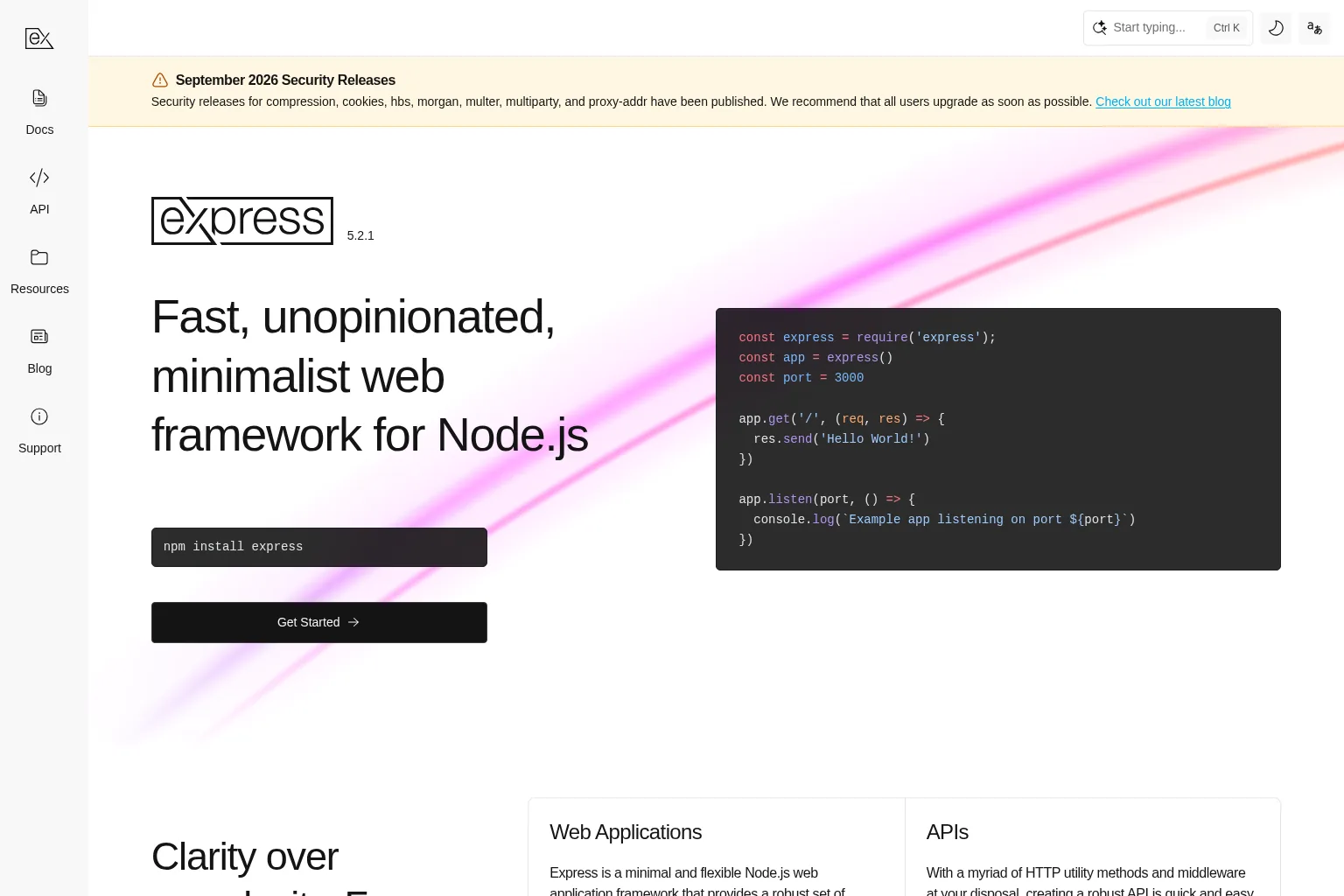
Best fit: A small API or an established platform team that already has chosen data, identity, and job components. Express describes itself as a minimal routing and middleware framework. It gives you straightforward routes and a request-response middleware chain, without imposing an ORM or a complete product architecture.
API and TypeScript: Express makes the route layer explicit. Its Express 5 error-handling guide says rejected promises returned by route handlers are forwarded to error handling. That is useful, but it does not remove the need to define a consistent error shape, validate incoming data, test authorization, and decide how runtime schemas relate to TypeScript interfaces. Shared types alone will not reject a malformed HTTP body.
Services and work beyond HTTP: Treat your database, sessions, file permissions, message transport, scheduler, and AI-provider integration as separate architecture choices. That flexibility is the point. It also means your team must document who owns each component and test how a request hands work off to a worker. An async function started during a request is not a durable job merely because the handler responds early.
Deployment and cost boundary: You deploy the HTTP process and whatever database, queue workers, schedules, and telemetry your composition requires. Evaluate each service's hosting and maintenance costs; do not compare only the cost of installing Express. I would choose Express when keeping the HTTP layer intentionally thin is more valuable than adopting shared framework conventions across the whole product.
2. NestJS: Explicit modules for a growing Node.js team
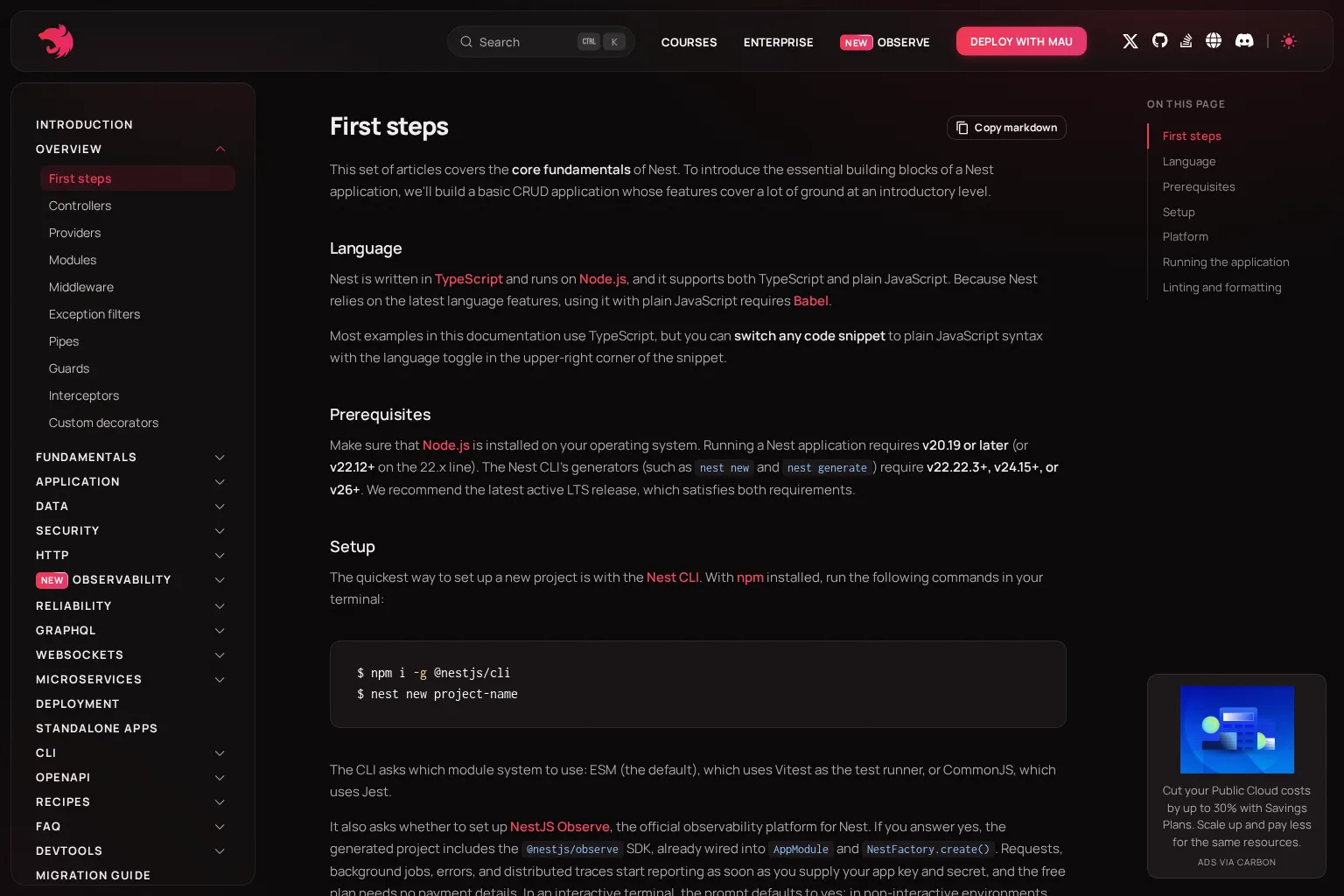
Best fit: Several engineers working across domain modules who want a common way to organize controllers, providers, dependency injection, and tests. Nest's first-steps documentation describes a TypeScript-based Node.js framework with Express as its default HTTP platform and Fastify as another supported platform. This structure can help a team standardize boundaries, but adds concepts a one-route service may not need.
API and TypeScript: Nest's controller and module patterns provide an explicit home for handlers and dependencies. For runtime input checks, its validation guide documents both class-based ValidationPipe and StandardSchemaValidationPipe for compatible schema libraries. Decide which model your team will use and test the serialized error response. Changing the underlying HTTP adapter should not be assumed to make every adapter-specific plugin portable.
Product services and background work: Nest provides a way to integrate surrounding components rather than prescribing one database, login policy, storage provider, and AI workflow for every product. Its queue documentation covers BullMQ integration and the associated worker and queue setup. Read the package and infrastructure requirements before counting it as a built-in, operated job service. A module definition will not itself keep a worker running after a deployment.
Deployment and cost boundary: Budget for the chosen HTTP adapter, external services, Redis-backed queue configuration if using the documented BullMQ integration, process supervision, and observability. I would choose Nest when the payoff from consistent team-wide architecture outweighs its additional abstraction and the integrations the team will still own.
3. AdonisJS: Conventions and product features in one framework
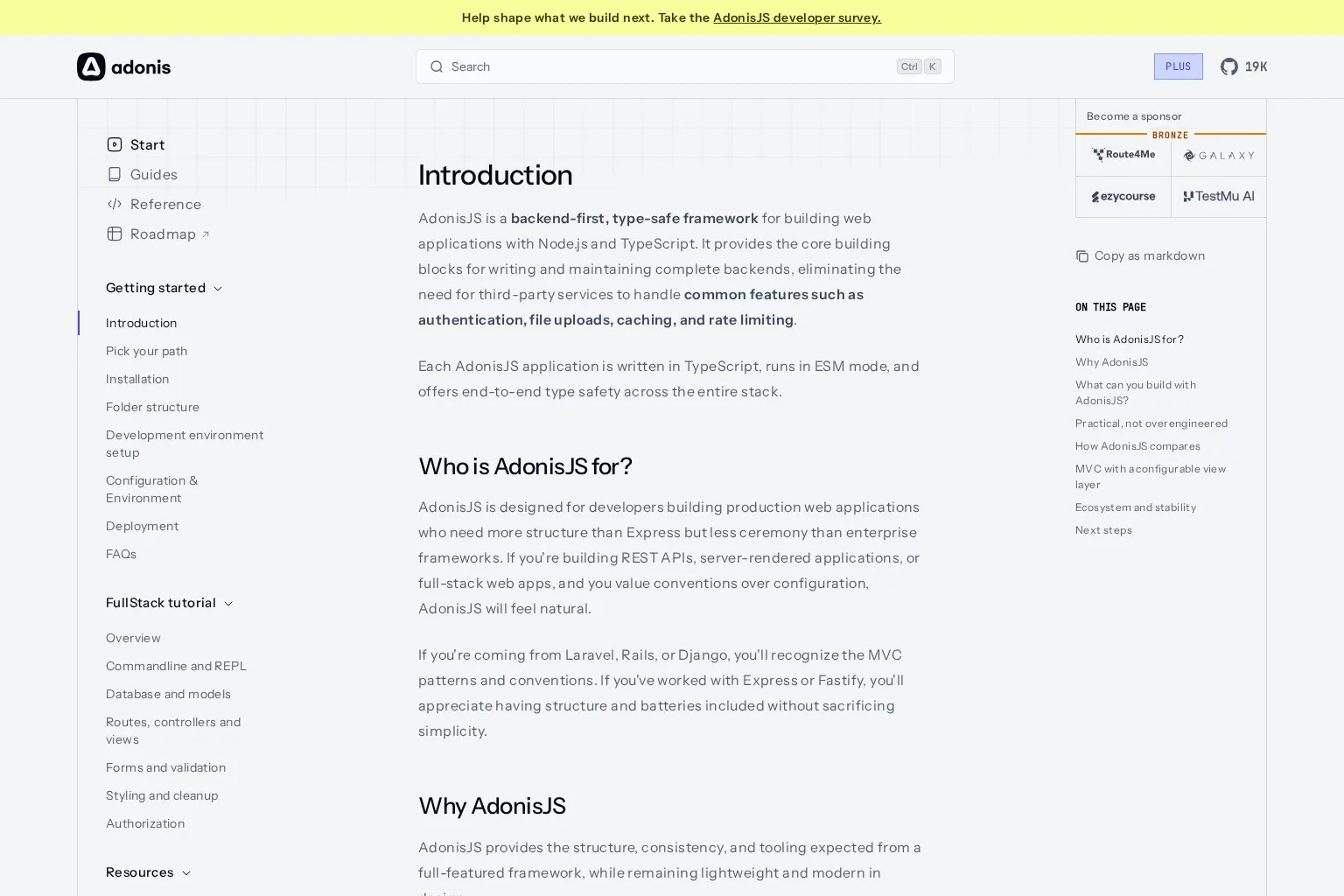
Best fit: A Node.js product team that prefers established conventions to selecting every component separately. The AdonisJS introduction describes a backend-first TypeScript framework with routing, validation, ORM-oriented application development, authentication, uploads, caching, and rate limiting. Its MVC-oriented structure can support an API-only backend or an application with a view layer.
API and TypeScript: Here I would trial a protected endpoint through the standard routing, validation, and model flow, then inspect both the generated TypeScript experience and the actual HTTP rejection for bad input. The value is a coherent path for ordinary product work. The trade-off is that a team with established alternatives for persistence, identity, or project layout may prefer less framework direction.
Services and background work: Do not read “batteries included” as “everything runs automatically.” The AdonisJS queue documentation describes typed jobs, separate workers, retries, recurring schedules, and Redis or database adapters, but explicitly marks @adonisjs/queue experimental and advises pinning its version. That status is an important evaluation point if scheduled or recoverable work is central to your roadmap.
Deployment and cost boundary: Plan for the Node.js application, database, storage and delivery providers, and separately supervised workers where used. Estimate the operational cost of those choices and the effect of upgrading an experimental dependency. I would choose AdonisJS when the team's day-to-day work is conventional SaaS or web application development and its conventions align with the intended architecture.
4. db3.ai: An application runtime for product services and jobs
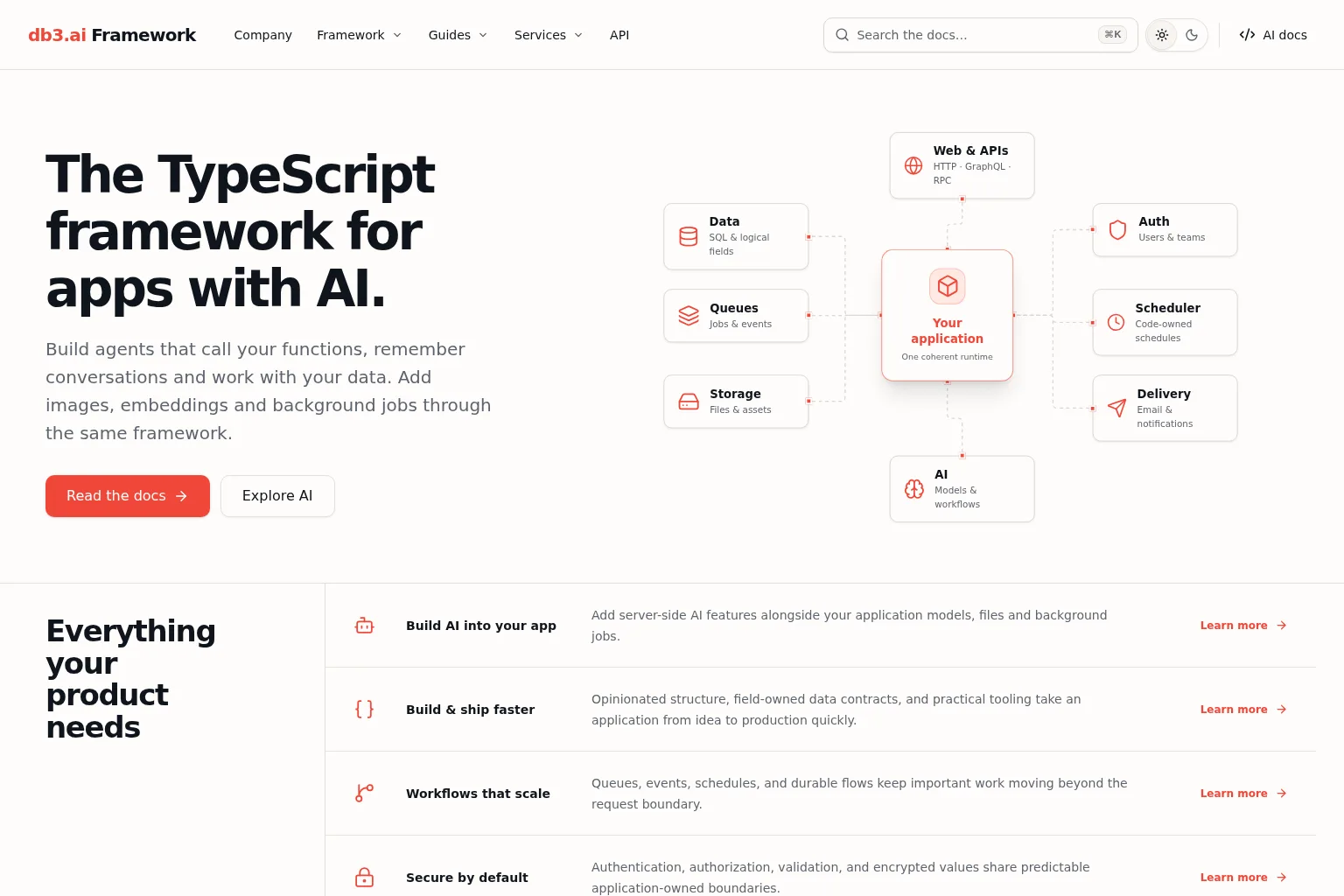
Best fit: A TypeScript team that expects its API to share application concepts with data, authentication, storage, queues, schedules, and server-side AI work. We designed @db3.ai/app as a service hub, not a promise that an HTTP server alone implements a whole product. Your application still owns routes, domain models, permissions, business workflows, and provider credentials.
API and TypeScript: The minimal HTTP app guide builds a Fastify listener around one App, a health endpoint, a validated route, request-local state, and a close lifecycle. This is a useful test of the boundary between framework services and application-authored APIs. Evaluate your own GraphQL or RPC requirements against the documented contracts instead of assuming that one HTTP example demonstrates every transport.
Services and background work: The package documentation lists Auth, storage, data, queue, scheduler, mail, AI, and other service entry points. The Queue guide distinguishes a stored job ID from completed business work and requires registration and a running worker for a separately processed job. Its database-backed services have prerequisites: the installation guide specifies MariaDB/MySQL for the documented Auth, ActiveRecord, Media, database-backed Queue, and Scheduler examples. Integration does not remove migrations, worker operations, or application-level authorization.
Deployment and cost boundary: The live installation documentation describes a preview installed from matching maintainer-supplied App and Pure tarballs rather than an already published npm package. The example walkthroughs use Node.js 24 or newer and Fastify for HTTP. Check the installation path and rollout constraints with your team before making it a production dependency; the catalogue provides no price to quote for @db3.ai/app. Separate database, hosting, model-provider, and operational costs still depend on what you deploy.
Try the API boundary before deciding
The following TypeScript factory follows the documented first HTTP app. It constructs the application once for the server, validates the path parameter, runs the handler in request context, and closes the framework with Fastify. It does not add a database, authentication, a worker, or an external AI provider.
import Fastify from 'fastify';
import { App, registerHttpErrorHandler } from '@db3.ai/app/server';
import { registerHealthRoute } from '@db3.ai/app/health/fastify';

export function createTrialServer() {
  const application = new App({ health: { service: 'framework-trial' } });
  const server = Fastify();

  registerHttpErrorHandler(server);
  server.addHook('onClose', async () => { await application.close(); });
  registerHealthRoute(server, { app: application });

  server.get<{ Params: { name: string } }>('/hello/:name', {
    schema: {
      params: {
        type: 'object',
        required: ['name'],
        properties: { name: { type: 'string', minLength: 1, maxLength: 80 } },
      },
    },
  }, async request => application.requestContext.run(async () => {
    return { message: `Hello, ${request.params.name}!` };
  }));

  return server;
}
Follow the current preview installation instructions before using these imports. The guide supplies a separate entry point and a Vitest example using server.inject() to verify a good response, invalid input, and cleanup without opening a port. I have not executed this adapted excerpt. Keep one application per process: the application lifecycle guide documents an active process-global App, so creating separate active apps concurrently in tests can interfere. Add a protected data mutation and a queued task only after configuring their database and worker requirements.
Use a weighted production trial, not a framework popularity contest
Score your two finalists on a real feature: an authenticated user requests a report, the API validates the input, stores the request, returns its ID, and a worker eventually produces an authorized result. Where AI matters, make the report invoke an external model with a bounded timeout; otherwise leave AI out of the test. Include one failure after the business write and one after an external effect, and inspect what the user and operator can recover.
Here is an illustrative weighting, not a published benchmark or a vendor score. Rate each criterion from 0 to 5, multiply by its weight, and divide by 5 to get points out of 100; change the weights before you run the trial.
| Criterion | Weight | Evidence to collect |
|---|---|---|
| API contracts and validation | 20 | Bad input, consistent errors, endpoint tests |
| TypeScript across boundaries | 15 | Route-to-service types, worker payloads, editor feedback |
| Product services | 25 | Identity, data, files, delivery, and necessary AI integration |
| Durable background work | 20 | Persistence, retries, scheduled runs, replay and operator inspection |
| Deployment and ownership | 20 | Services to operate, migrations, secrets, worker scale and costs |
For a small SaaS team, the integrated product path may deserve more weight than a customizable server core. A platform group with standardized identity and messaging may reverse those weights. An AI product should evaluate tool permissions, conversation or result persistence, model-provider failures, and asynchronous work, not assume that a framework's AI label makes a long-running workflow safe.
One failure case deserves special attention regardless of framework: committing a business record and dispatching a job are not automatically one atomic operation. AWS's transactional outbox guidance explains the dual-write gap and notes that relays may still publish duplicates. Ask whether the framework documents a transactional handoff or whether your application needs an outbox, idempotency key, and reconciliation process. A successful enqueue is not proof of a successful report.
Frequently asked questions
Can JavaScript run the backend without a framework?
Yes. Node.js provides the runtime and HTTP primitives; a framework adds routing and application patterns. For a tiny service, direct runtime APIs may be enough, but you will still need a plan for validation, errors, security, tests, and deployment. Node.js describes the runtime boundary here.
Should we choose the framework with the most built-in services?
No. I would choose the one whose services match requirements the team will actually build and operate. An integrated service that does not meet a critical constraint is not preferable to a well-understood external component. Run the vertical-slice and recovery trial before deciding.
Next step
Shortlist the two models that match your team's existing infrastructure and build the same protected report flow in each. If a shared TypeScript application runtime is one of your candidates, start with the db3.ai installation and HTTP walkthrough, then add the documented queue workflow when your database and worker processes are ready. Compare completed behavior and recovery effort, not screenshots or framework slogans.
Sources
- Node.js: About Node.js
- Express.js: Using middleware
- Express.js: Error handling
- NestJS: First steps
- NestJS: Validation
- NestJS: Queues
- AdonisJS: Introduction
- AdonisJS: Queues
- db3.ai: @db3.ai/app package
- db3.ai: Build a minimal HTTP app
- db3.ai: Install packages in an existing project
- db3.ai: Queue
- db3.ai: App lifecycle
- AWS Prescriptive Guidance: Transactional outbox pattern
Recommended Reads
- 6 TypeScript Backend Frameworks to Compare for Your Next Application for a wider framework shortlist.
- Backend Workflow Automation: Compare Queues, Schedulers, Workflow Engines, and Integrated Runtimes for deeper analysis of background-work architectures.